

XnView MP
Discover how XnView MP simplifies image management and editing on Linux. Read our comprehensive review of this powerful, multi-format media companion.
A New Standard for Linux Media Management
XnView MP image management software stands out in the crowded field of Linux utilities by offering an incredibly robust, all-in-one solution for viewing, organizing, and converting graphics. Unlike basic system viewers that struggle with heavy files or obscure formats, this powerful utility developed by Pierre-e Gougelet handles everything from standard web graphics to professional digital negatives with remarkable speed and stability.
Unmatched Format Compatibility
One of the primary reasons creative professionals and enthusiasts turn to XnView MP is its unmatched compatibility. It effortlessly reads and processes an extensive array of file types, including:
- Standard web formats: JPEG, PNG, GIF, and WEBP
- High-fidelity and production formats: TIFF, PSD, OpenEXR, and PDF
- Modern mobile and camera outputs: HEIC, DNG, CR2, and various other camera RAW profiles
Key Features of XnView MP Image Management
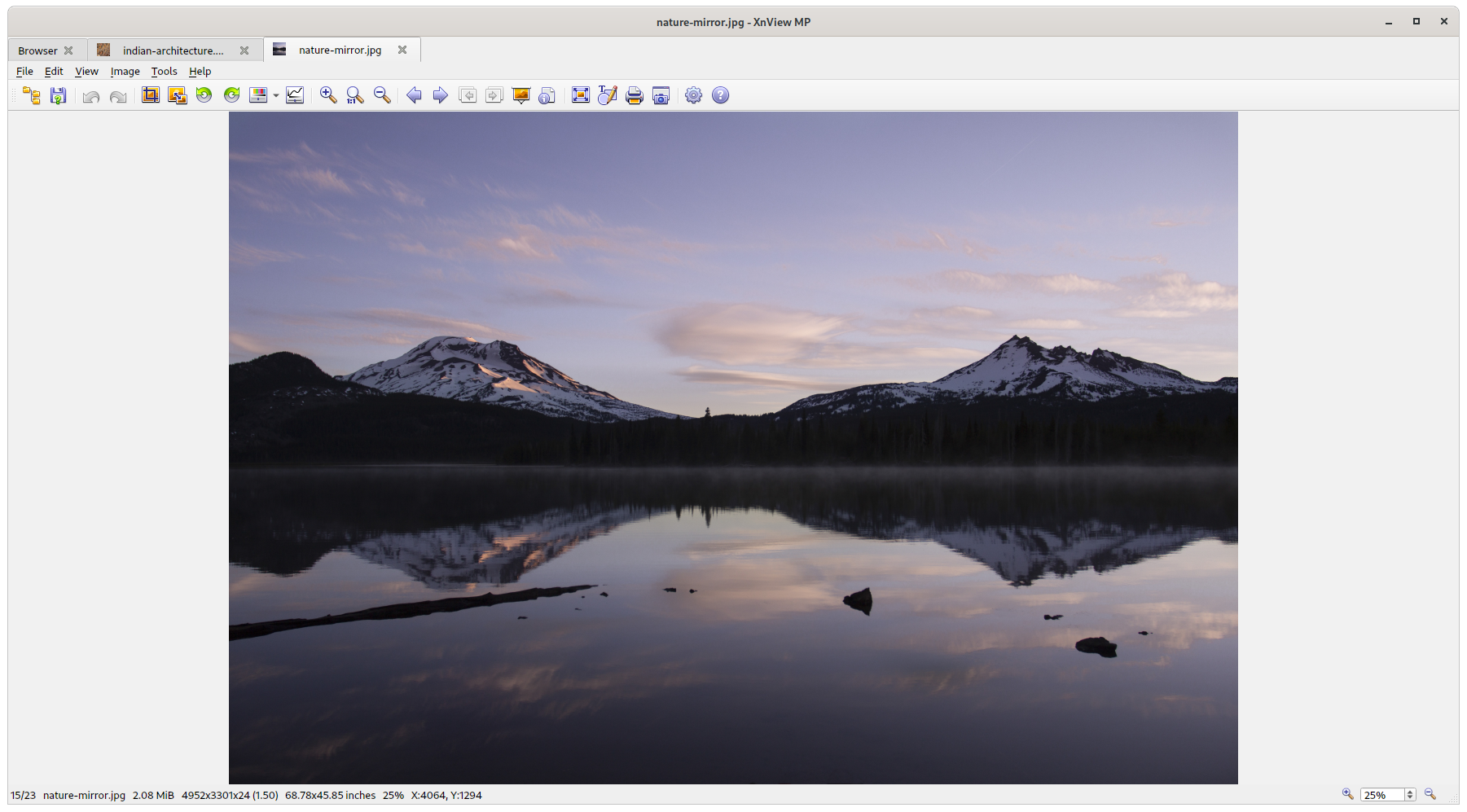
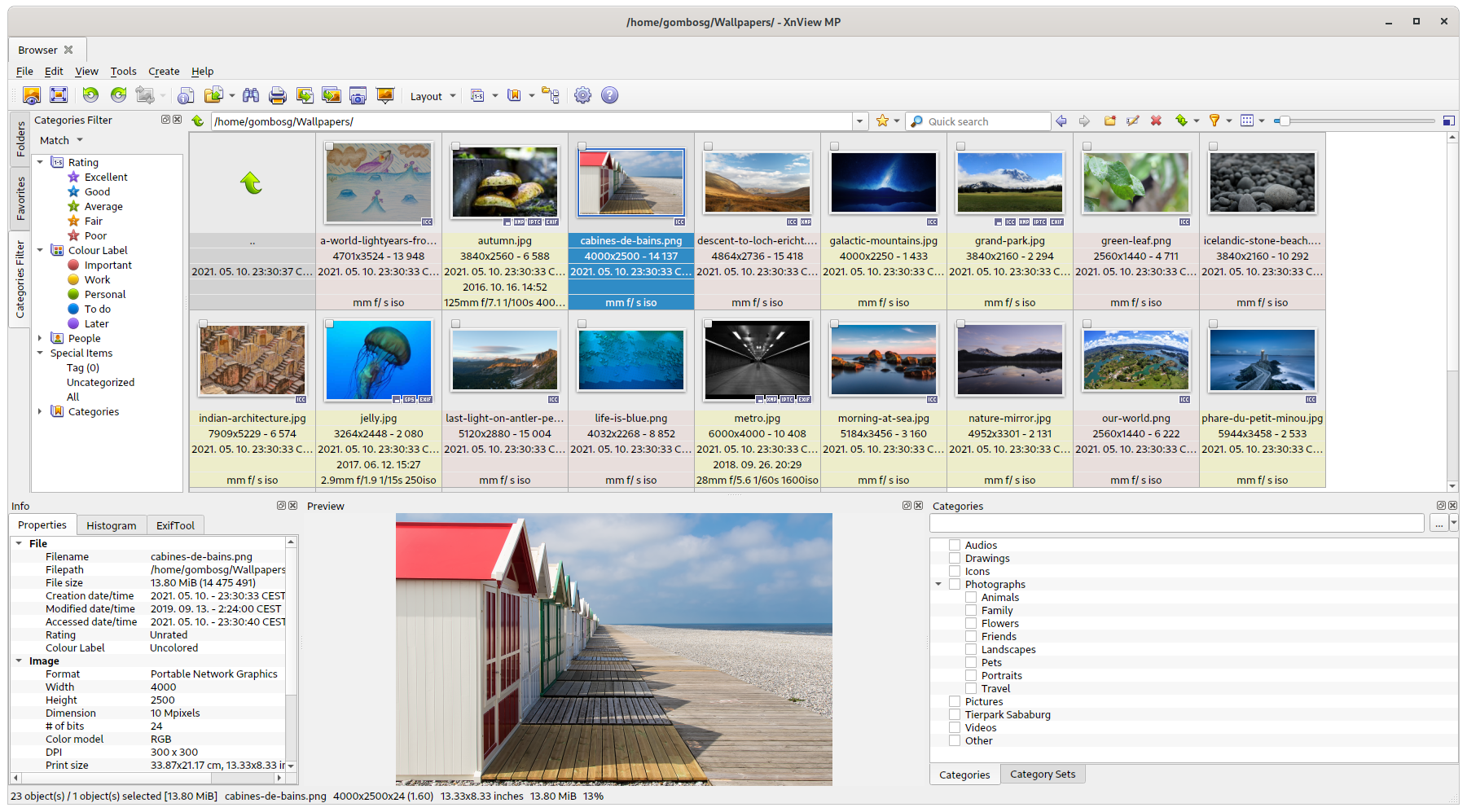
Beyond simple viewing, this application serves as a central hub for your entire media library. Its design-focused feature set caters to both quick edits and massive archiving projects.
Batch Conversion and Resizing
If you need to process hundreds of photos at once, the built-in batch converter is a lifesaver. You can easily resize, rename, and convert directories of images in a single operation, saving hours of manual labor.
Intuitive Organization Tools
Keeping your folders tidy is straightforward with advanced tagging, rating, and filtering options. The application allows you to search through metadata, categorize your assets, and find exactly what you need in seconds.
Integrated Editing Suite
As a versatile photo editor, it provides essential adjustment tools right at your fingertips. Users can crop, rotate, adjust colors, apply filters, and optimize graphics without ever needing to launch a heavy external editor.
Who Is This Application For?
This software is tailored specifically for Linux users who require a dependable, feature-rich tool for handling diverse media libraries. Whether you are a photographer sorting through raw camera files, a web designer optimizing assets, or a casual user organizing family albums, it bridges the gap between basic viewing and complex editing software perfectly.
Our Editorial Verdict
Pierre-e Gougelet has crafted a highly stable, responsive, and indispensable tool for the Linux ecosystem. It eliminates the frustration of format incompatibility while offering high-performance batch processing tools that streamline your creative workflow.
To experience this powerful media hub firsthand, visit the official Flathub store page to explore and install XnView MP on your Linux system.