Tux Typing
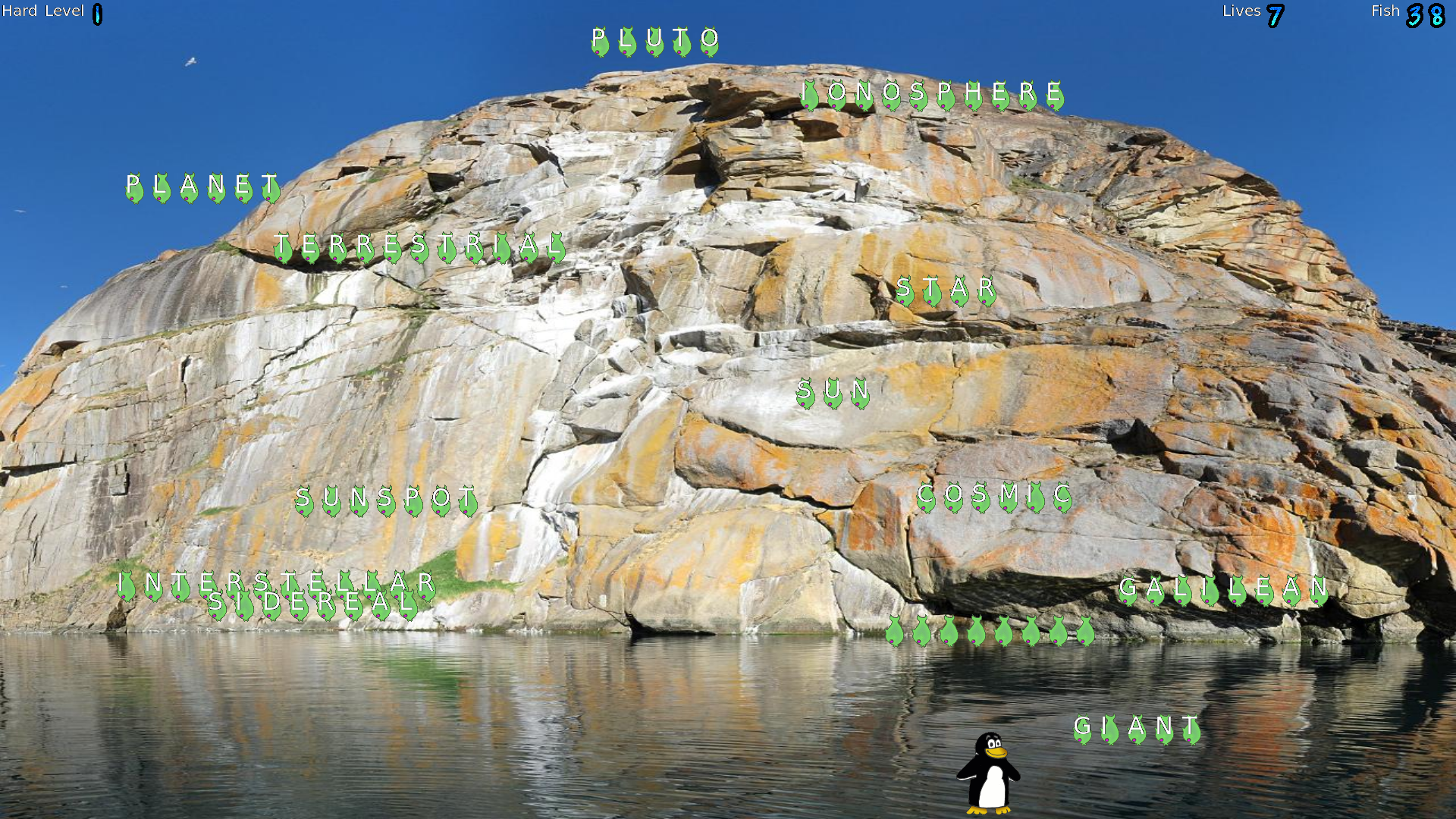
Read our comprehensive review of Tux Typing, the engaging educational game designed to help children master keyboarding skills through interactive play.
Make Keyboarding Fun with Tux Typing
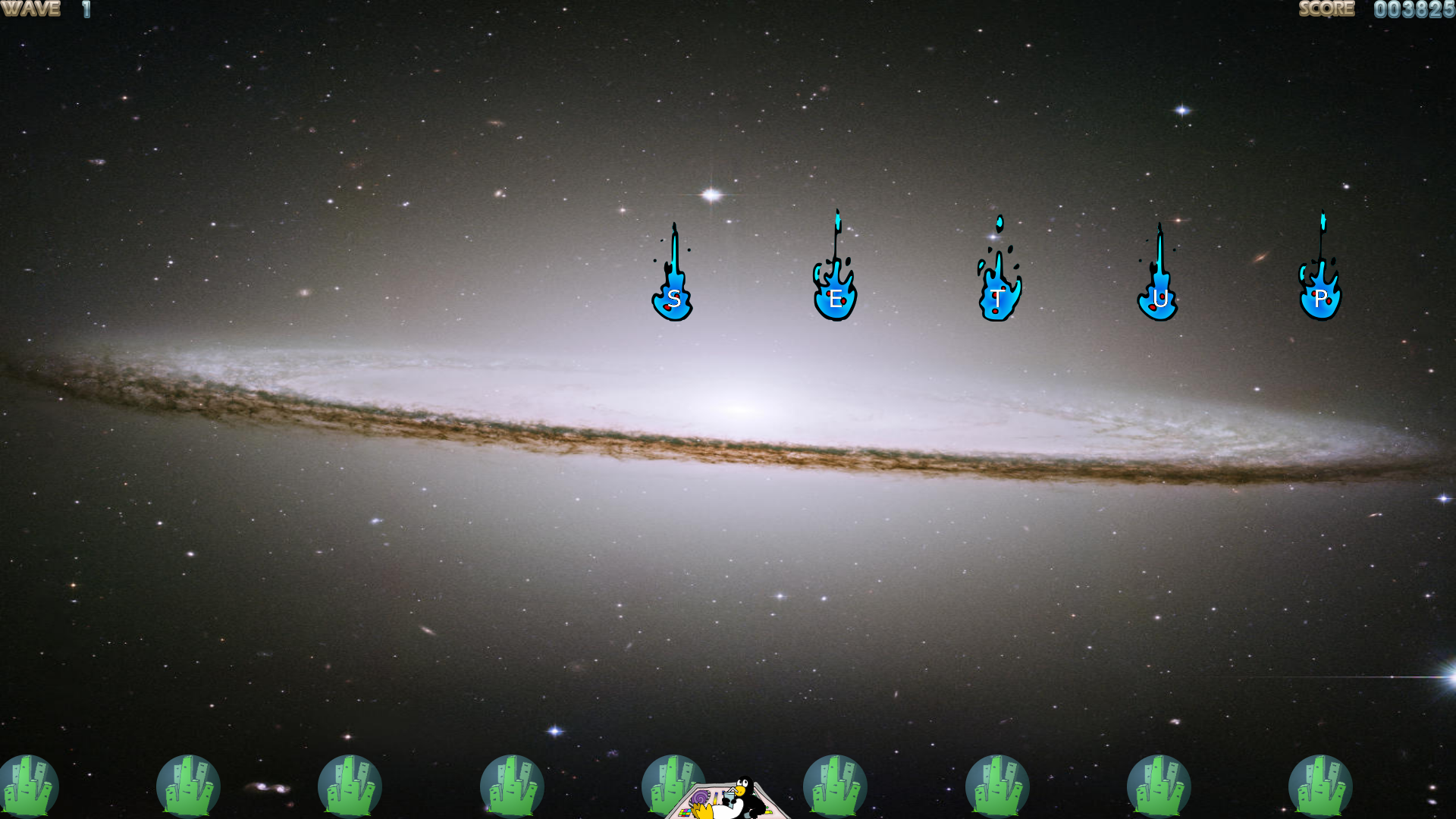
Imagine your child sitting at a computer, struggling to find letters on the keyboard, quickly becoming frustrated with the tedious process of learning to type. Traditional typing drills can feel like a chore, but educational gaming offers a vibrant alternative. Tux Typing keyboard training transforms this essential digital literacy skill into an entertaining arctic adventure starring Tux, the beloved Linux penguin.
Developed by tux4kids, this educational software is designed specifically for younger users who are just starting their digital journey. By blending instructional mechanics with playful challenges, it removes the stress of learning and replaces it with rewarding gameplay.
Key Features of Tux Typing Keyboard Training
This software stands out by offering structured, engaging challenges that keep young learners motivated. Here are the primary highlights of the application:
- Two Distinct Game Modes: The application features two different interactive games that challenge players to type letters and words quickly to complete objectives.
- Engaging Themes: Guided by Tux the penguin, children are immersed in visually appealing environments that make practicing feel like play.
- Designed for Linux: Built natively for the Linux platform, it provides a lightweight, stable, and secure environment for kids to practice safely.
- Completely Free: As a free educational tool, it offers full access to its training features without hidden costs or advertisements.
Who is This Educational Program For?
If you are an educator or a parent looking for a constructive way to introduce children to the computer keyboard, this application is an ideal choice. It is tailored for beginners who need to build muscle memory and finger familiarity without feeling overwhelmed by dry, academic exercises. Because it runs seamlessly on Linux, it is also a fantastic resource for schools and community centers utilizing open-source operating systems in their computer labs.
How It Helps Kids Succeed
The core philosophy behind Tux Typing keyboard training is that repetition leads to mastery, but only if the student remains engaged. By gamifying typing speed and accuracy, children naturally push themselves to improve their high scores, translating directly to better real-world computer literacy. If you want to help your child build confidence at the keyboard, head over to the official Flathub store page to learn more about how to get started with Tux Typing.