
Telegram for Windows (Unigram)
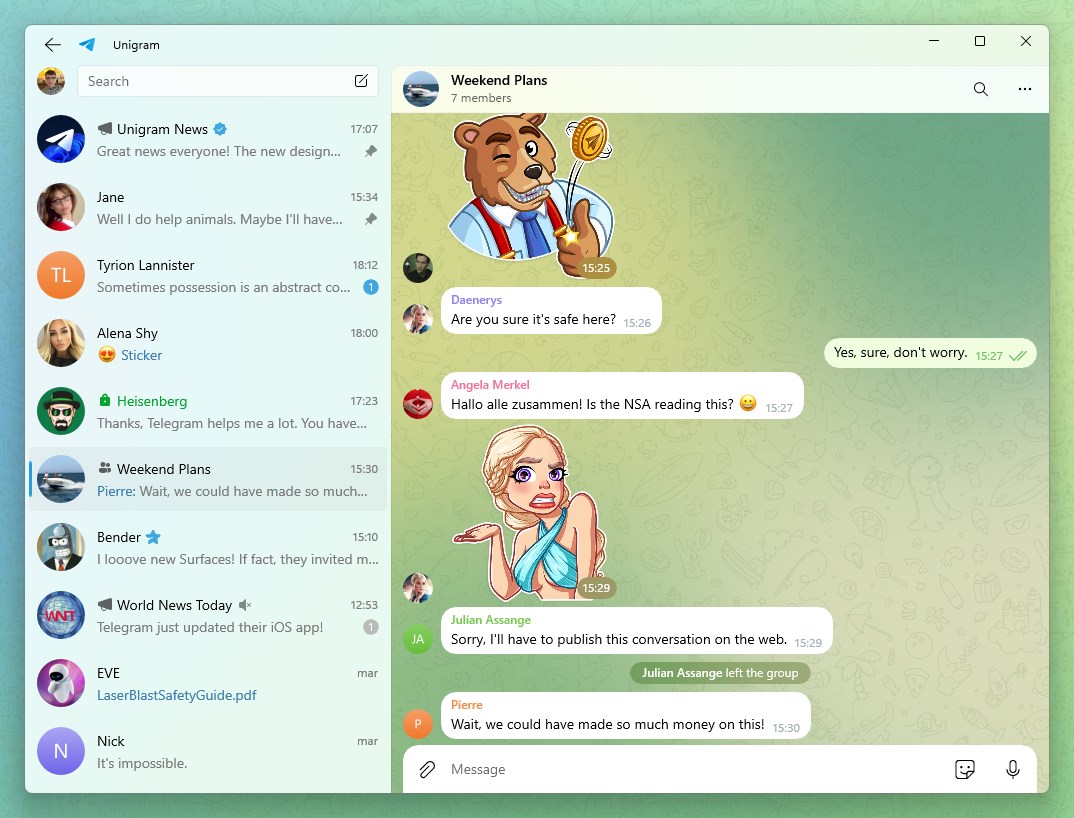
An in-depth review of Telegram for Windows (Unigram). Discover how this optimized desktop client elevates your secure PC messaging experience.
When it comes to desktop messaging, having a client that feels integrated with your operating system makes all the difference. In this review, we look at Telegram for Windows (Unigram), a powerful messaging client optimized specifically for PC users who need a fast, secure, and highly responsive communication tool.
A Tailored Desktop Messaging Experience
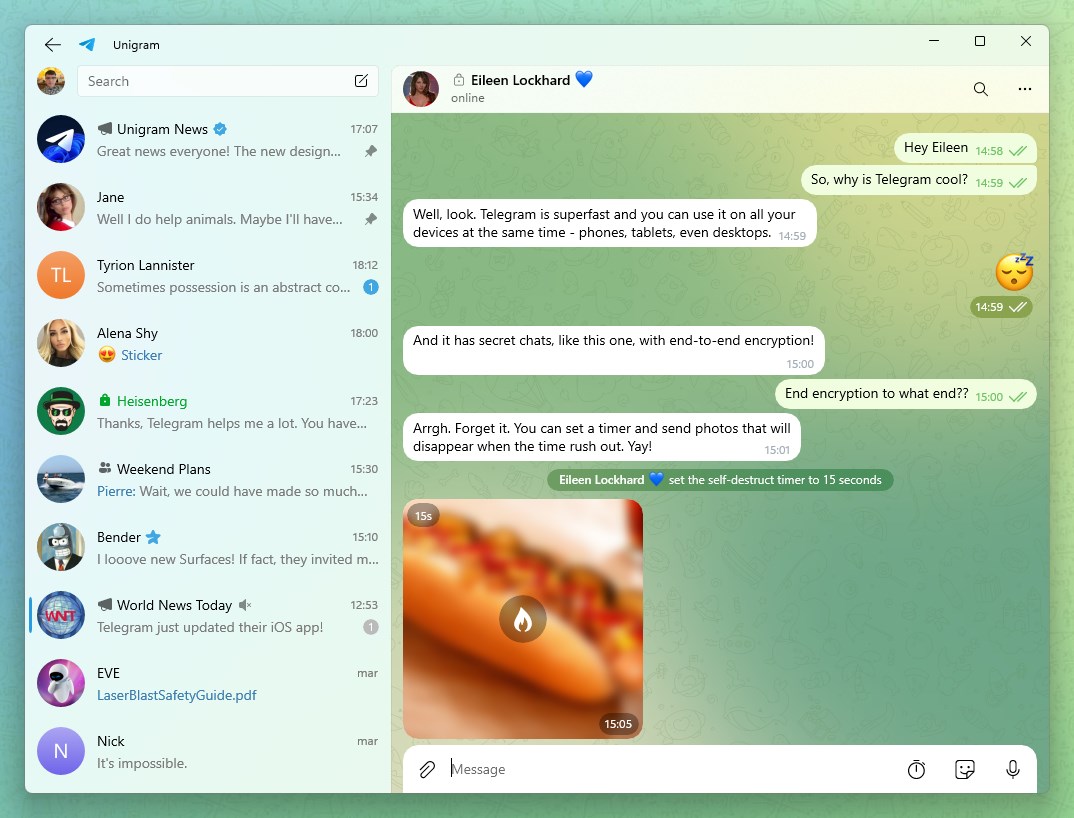
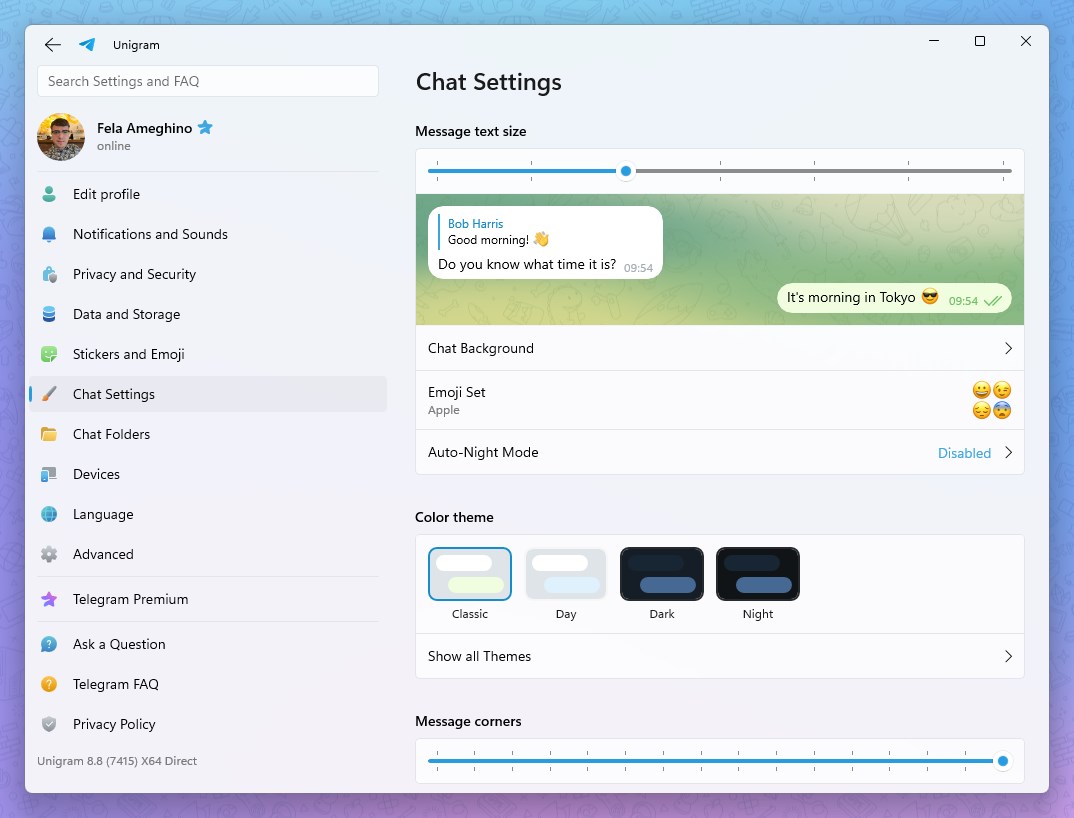
Unlike basic web wrappers, Telegram for Windows (Unigram) is built to leverage the performance of your desktop. The interface is clean, remarkably fluid, and designed to handle massive amounts of data without slowing down your system. Whether you are managing personal chats or coordinating large-scale communities, the application remains incredibly responsive.
Key Features of Telegram for Windows (Unigram)
- Instant Cloud Synchronization: Access your chats, media, and files seamlessly. Because the platform operates independently of your mobile device, you do not need to keep your phone online to send messages from your PC.
- Unrestricted Media Sharing: Send files, documents, and high-definition media up to 2 GB per file. Your local disk space is preserved as your chat history is stored securely in the cloud.
- Advanced Group Management: Host online communities with up to 200,000 members, utilizing advanced administrative tools, custom bots, and interactive features.
- Robust Security Protocols: Your data is protected using 256-bit symmetric AES encryption, 2048-bit RSA encryption, and secure Diffie–Hellman key exchange.
Who Is This Desktop Client For?
This software is ideal for professionals, remote teams, and casual users who spend significant time on their computers and demand a reliable, keyboard-friendly messaging environment. It bridges the gap between mobile convenience and desktop productivity, making it easy to share files, manage large groups, and keep up with conversations without constantly reaching for your phone.
Is It Worth It?
If you value speed, security, and a native-feeling desktop interface, this application is an exceptional choice. It delivers a modern communication experience that outpaces traditional messengers in both performance and feature set.
To experience this optimized messaging platform for yourself, head over to the official Microsoft Store page to get started with Telegram for Windows (Unigram).