

OpenBudget - Budget and Save
Read our comprehensive review of OpenBudget - Budget and Save. Discover how this virtual envelope budgeting tool for Mac simplifies personal finance.
Take Control of Your Finances with Virtual Envelope Budgeting
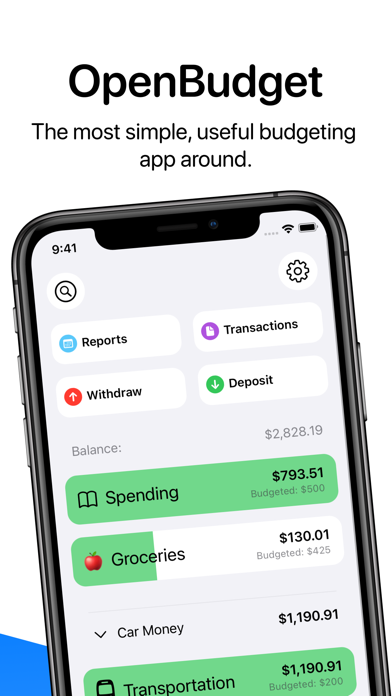
OpenBudget - Budget and Save offers a refreshing, stress-free path to managing your money directly from your Mac. Instead of forcing you to navigate complex spreadsheets or link sensitive bank credentials, this finance application utilizes the highly effective, time-tested envelope budgeting method. By dividing your income into distinct, digital envelopes, you know exactly how much you can spend on necessities, entertainment, and savings before you ever make a purchase.
Developed by Khan Winter, the application is designed around the philosophy of simplicity and absolute privacy. With no third-party analytics tracking your behavior and no account registration required, your financial data remains entirely your own, stored securely on your device.
Key Features of OpenBudget - Budget and Save
Whether you are trying to curb impulse spending or aggressively save for a major milestone, the app provides a robust set of tools to keep you on track:
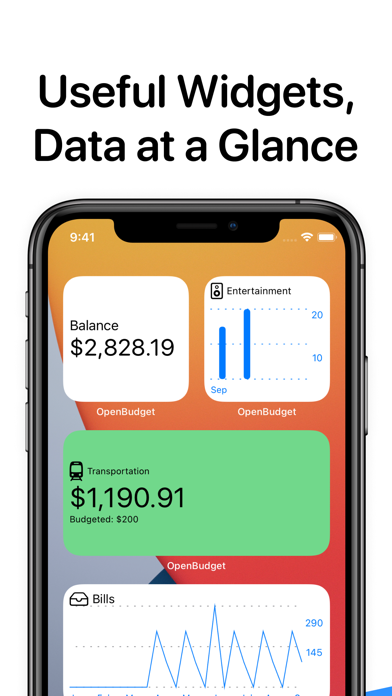
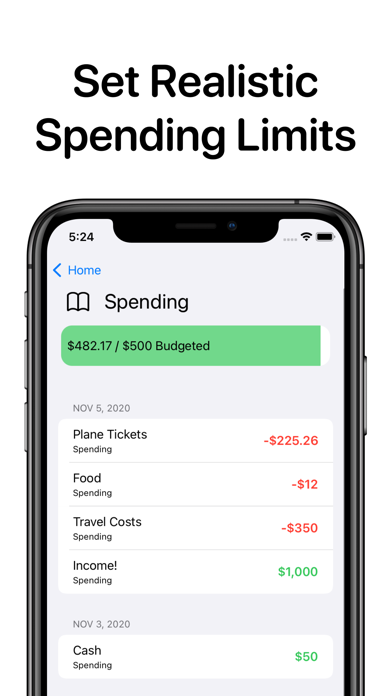
- Intuitive Envelope System: Allocate your funds to categories like groceries, dining out, or gas, and watch your limits update instantly as you log transactions.
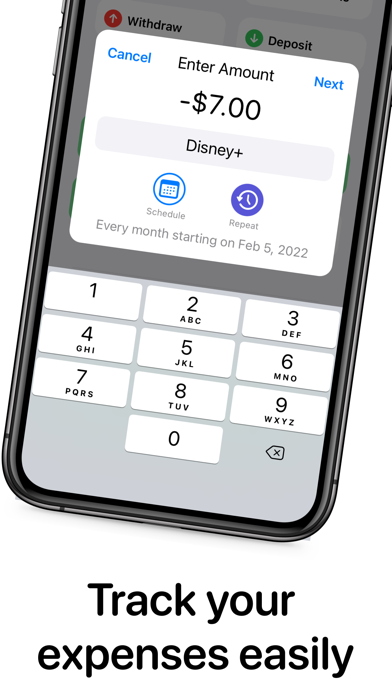
- Fast Expense Tracking: Recording a transaction takes only a few clicks, ensuring you can update your ledger in seconds without disrupting your day.
- Seamless Multi-Device Sync: Keep your budget updated across your devices automatically without sacrificing your privacy.
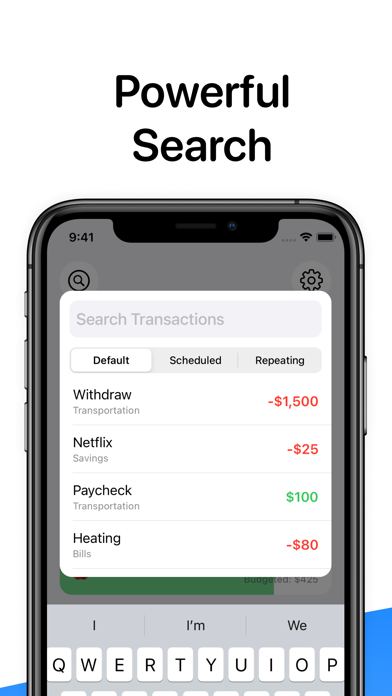
- Powerful Search & History: Instantly locate past transactions using a robust search feature, helping you analyze seasonal spending habits.
- No Account Needed: Start managing your budget immediately upon opening the app—no registration forms or email sign-ups required.
Unlock Advanced Control with Pro Features
For those who require deeper financial planning, the application offers premium upgrades to handle complex scenarios:
Automated Subscription Tracking
Manage recurring costs easily. From monthly streaming services to annual insurance premiums, you can monitor your subscriptions so they never catch you off guard.
Scheduled Transactions
Plan for the future by scheduling upcoming transactions. When paydays or bill due dates arrive, the app automatically allocates the funds to your pre-defined categories.
Who Is This App For?
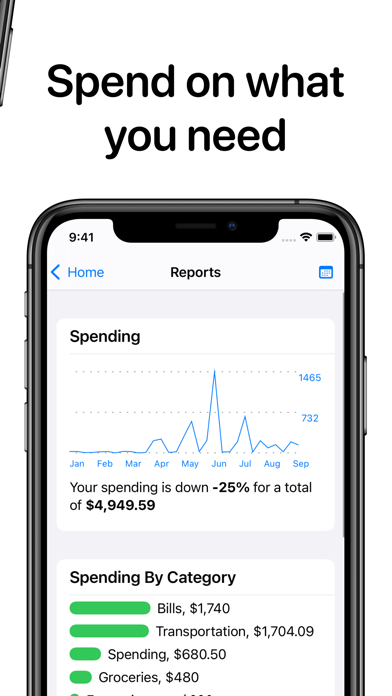
This application is ideal for Mac users who value data privacy and prefer hands-on, intentional budgeting over automated bank syncing. If you want a clear, visual representation of where your money goes without the headache of bloated financial software, this tool fits the bill perfectly. It has even earned recognition on Apple's curated showcases, such as "Hot This Week" and "Apps You Might Have Missed."
Get Started Today
Ready to eliminate financial mystery and start building real savings? You can learn more about this elegant personal finance tool and check out its availability on the official Apple App Store.